30-11-2025 - Writing declarative k8s tests
Some time ago, I helped write some e2e tests for the OpenTelemetry Operator project. It was a pretty straightforward task - to assert that certain metrics exists after deploying the OpenTelemtry Operator.
The OpenTelemetry Operator project used Chainsaw as their testing tool. Chainsaw is a declarative way to tests Kubernetes objects such as Operators. We define the desired state and let Chainsaw validate it. Pretty similar idea with asserting our `got` vs `want` in unit tests.
For this particular issue -
we are trying to assert that the OpenTelemetry Operator is exposing some kind of metrics after it is being deployed.
To find out the Operator metrics we should be asserting, we could look at some packages such as controllerruntime.
But since there's quite a few metrics we are expecting from the Operator,
and if the object you are trying to access have a metrics endpoint, the easier way would be to do a `kubectl get XXX` command:
kubectl get --raw https://${serviceName}:8443/metricsFrom the results we can find the metrics that we want and assert for them in the chainsaw tests.
Now, we declare the steps that we want Chainsaw to do:
1) Usually before we check if the Operator's metrics exists, we want to know if the Operator exists as well. So we can first assert for the Operator.
2) After confirming the Operator exists, we can now assert for its metrics.
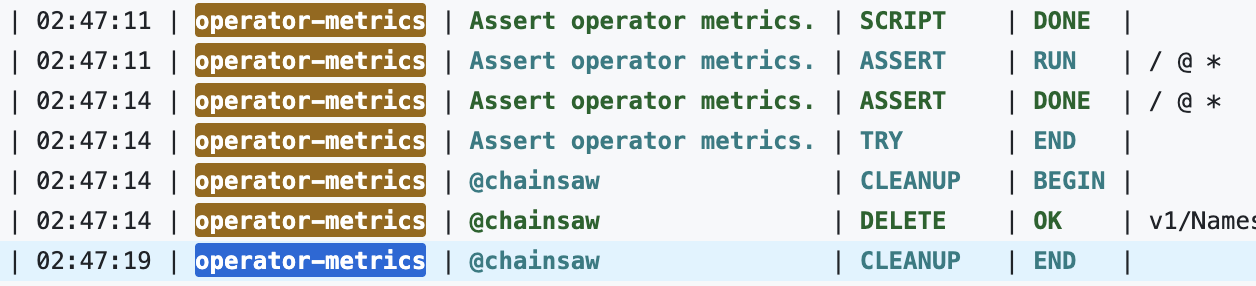
After the test passes, we can see something like this:
Learnings